Rafael Ludwig
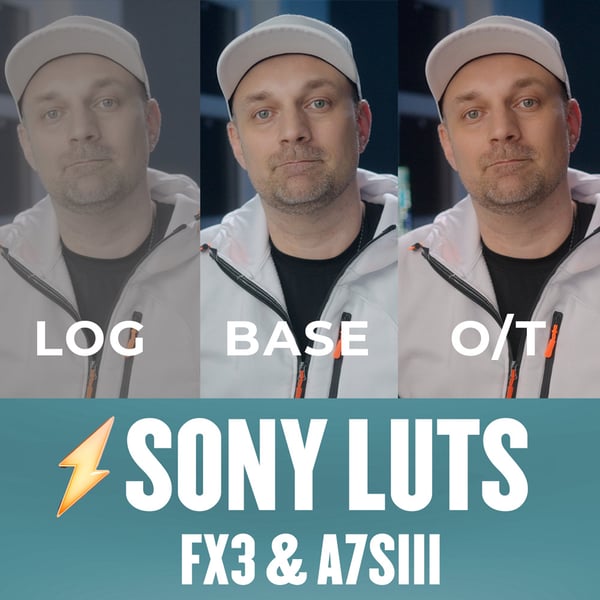
Sony LUTs: FX3 and A7S III
The LUTs I use with my Sony FX3. They work with A7S III footage too.
Download freeMac apps and Final Cut Pro plugins by Rafael Ludwig
Edit less, finish sooner. I built these for my own edits: try any of them free for 7 days, then pay once.
Try every app free · No subscription · Nothing uploaded
4.9 from 36 verified reviewsBest investment this year by far.
Brad J.
 PowerCutYour rough cut, in minutes$79
 PowerCueThe teleprompter that follows youfrom $29.96
 PowerEQBroadcast voice in your editor$29.96
 PowerDuckMusic ducks itself in Final Cut$22.46
 EQ StudioOne-click broadcast voice app$37.46
 PowerSkinNatural skin for Final Cut$23.96
 Power Tools24 Final Cut tools$22.46
 Final Cut Pro MasterclassThe complete editing course$149.99
Drop in raw talking-head footage. Get a clean first cut back, on your Mac.
$79$149
 26:14
Um, so today we're looking at the new monitor uh, and whether it's worth the upgrade.
TAKE 1/2The first thing you notice is the, the panel, it's
Take 2 of 2The first thing you notice is the panel. It's brighter than anything I've used at this price.
You know, color out of the box is accurate enough to grade on like, without calibrating.
Hang on, let me check my notes.
And the stand finally has real height adjustment.
TARGET
Captions in XML
Paste your script, hit Follow, and just talk. It keeps your next line at the marker.
from $29.96$39.95
Play a few seconds, press Analyze. Your dialogue sounds broadcast-ready, while you edit.
$29.96$39.95Black Friday sale: 25% off until November 30
One copy on your dialogue, one on your music. Every word stays on top.
$22.46$29.95Black Friday sale: 25% off until November 30
Drop in any voice recording, pick a preset, press play. It comes out broadcast-ready.
$37.46$49.95Black Friday sale: 25% off until November 30
Source waveform
Channel EQ
Drop it on a clip and press Auto Fix. Blemishes fade, real pores stay.
$23.96$29.95
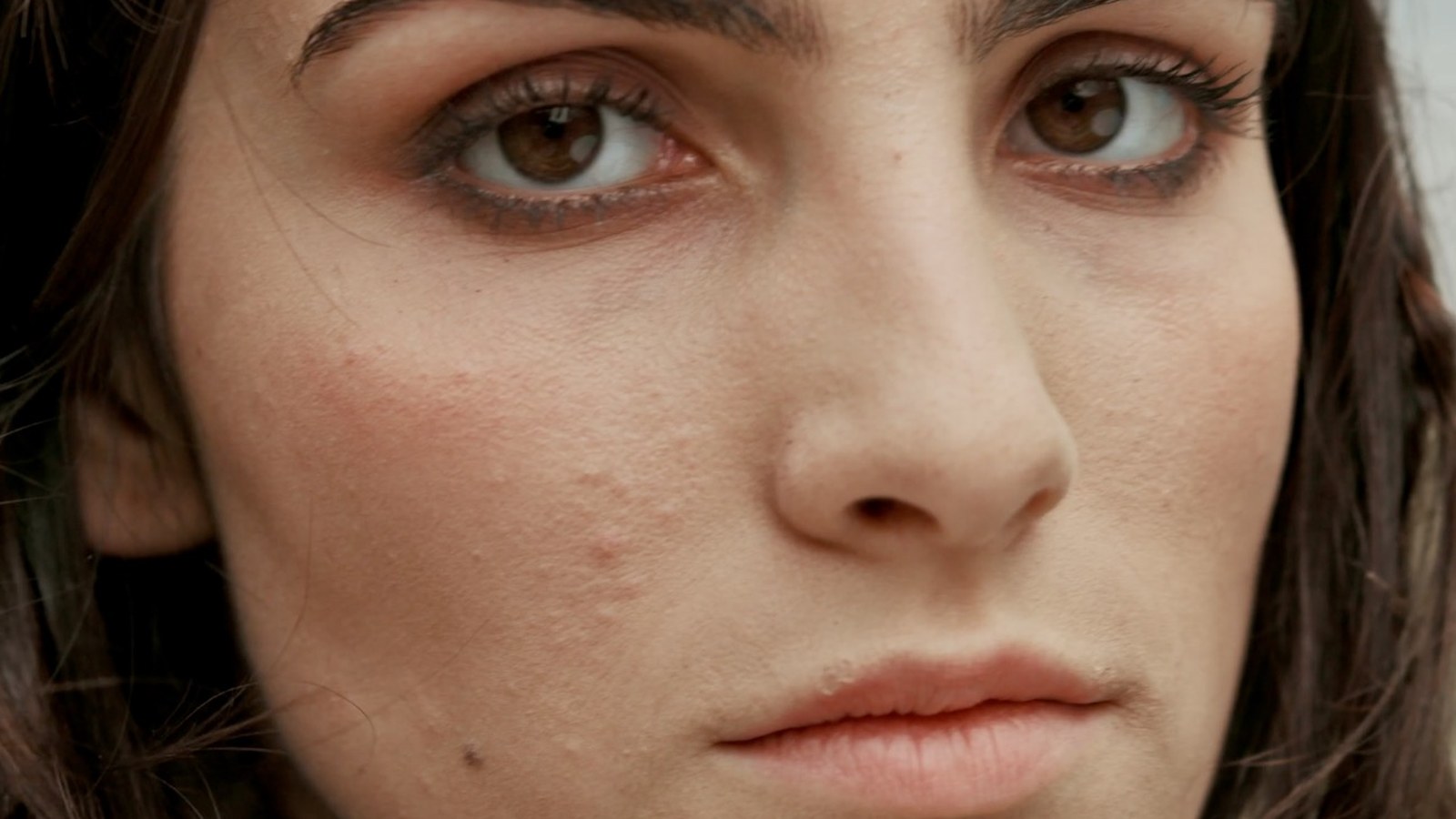
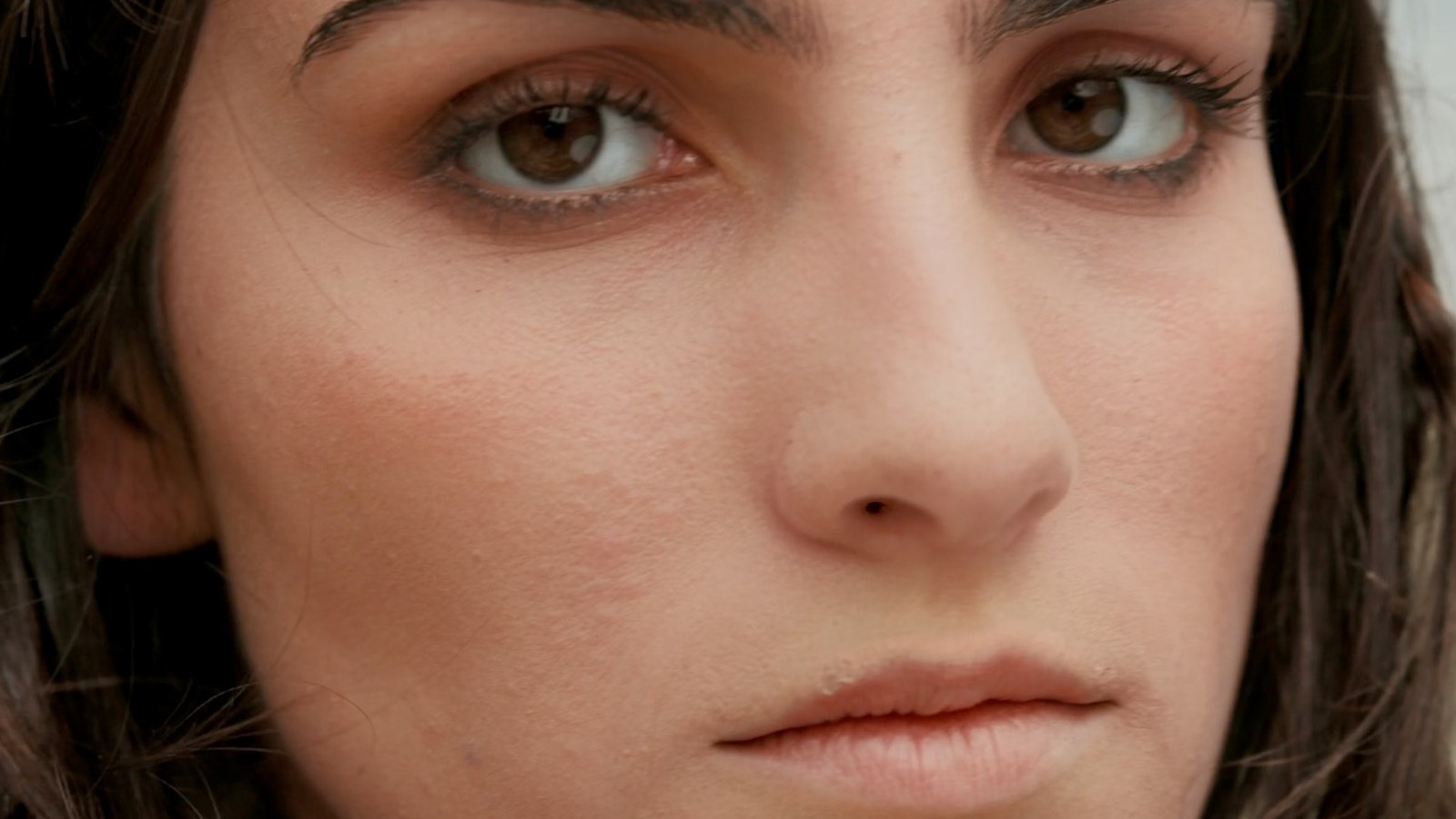 BeforeAfter
Jump-cut transitions, punch-ins, moves and utilities, built as native Final Cut Pro tools.
$22.46$29.95Black Friday sale: 25% off until November 30



The Final Cut Pro workflow I teach on the channel, from first import to final export.
$149.99
With one click now I have my audio balanced with my music. Best investment this year by far.
PowerCut basically handles that entire first pass for you. What blew me away is that it runs 100% on-device on Apple Silicon.
I have purchased and paid monthly for several teleprompters over the last five years. PowerCue simplifies everything.
For someone like me with little to no experience with sound it has greatly improved my workflow.
So I downloaded the 7-day trial, edited one video with it... and bought it immediately afterward. Seriously. One video was enough.
This is an incredibly useful, one stop set of tools for sculpting great sounding dialogue tracks.
Twenty years of editing, and 68K people learn Final Cut Pro on my channel.
PowerCut needs Apple Silicon and macOS 26 to transcribe. PowerCue needs Apple Silicon and macOS 14. PowerEQ and PowerDuck run on macOS 12, Intel or Apple Silicon. Each page lists its exact requirements.
No. Every tool is a one-time purchase and your license never expires.
You need a license key to keep using it, except PowerCut, where the editor stays free and only export locks.
Yes. Every app and plugin comes with a 14-day money-back guarantee: email apps@rafaelludwig.com within 14 days of purchase.
In My Purchases on Payhip, with the email you bought with.
Not yet. PowerCut and PowerCue for Windows are in development. The waitlist gets the beta first.
My camera LUTs, a rule of thirds overlay and keyboard shortcut presets for Final Cut Pro and Resolve. Free from my Payhip store.
The LUTs I use with my Sony FX3. They work with A7S III footage too.
Download free
The LUT I use for C-Log footage from the EOS R, R6 and R5. Adjust the exposure to suit how you shot it.
Download free
A transparent PNG rule of thirds grid to load as a custom overlay in Final Cut Pro.
Download free